
| Minimum Software Version | 10.1.0 | Date: 24 August 2026 |
| Solution(s) | Hearings ⨉ Cases International ✓ Cases US ✓ Institutions ✓ Counsel ✓ Focused View✓ |
New release
There are no new features in this release.
Improvements
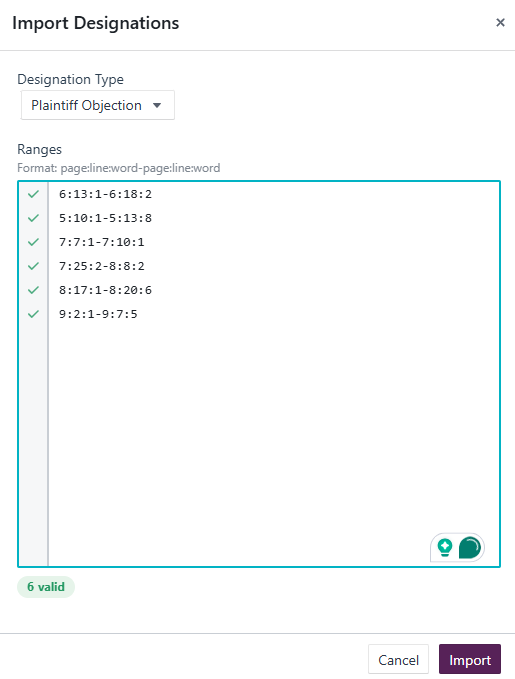
- Bulk import transcript annotations: UX improvements (Cases): The import dialog for bulk transcript annotations has been updated with refinements to make the flow clearer and easier to use.
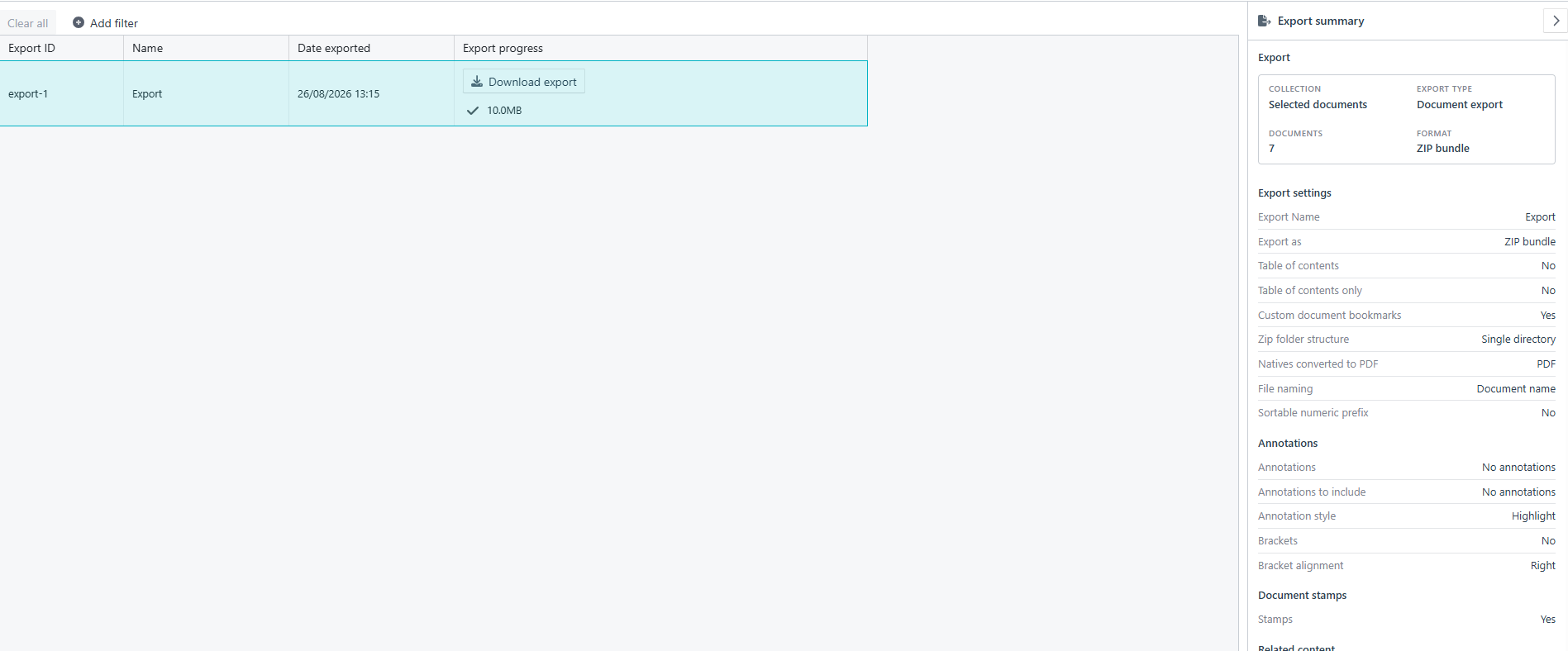
- Export screen now shows review information from the export dialog (Cases): The summary previously visible only during export setup is now displayed on the main Exports screen.
- Stamped collection item export now generally available (Cases): Users can selectively export or print stamped collection items and proxy documents.
- Table of contents column resize now behaves more intuitively (Cases): Table of contents column widths now adjust more predictably when resized.
Customer-reported fixes
- CS3-479 New users can now be added successfully (Cases): An error preventing administrators from adding new users has been resolved.
Bug fixes
- Designation added to a header page no longer shows an incorrect duration (Cases): The duration field was displaying an implausibly large value when a designation was added to a header page. The calculation has been corrected.
- Tags filter on the Documents page works correctly after a merge (Cases): The tags filter was returning unexpected results following a merge operation. It now returns the expected results.
- Copying prompts or conversations as plain text now preserves markdown formatting (Uncover): Copying content in plain text mode previously stripped structure such as headings and bullet points. Formatting is now retained.
- Prompt builder requests no longer include previous messages (Uncover): Prior conversation messages were incorrectly included with each new prompt builder request. Each request now sends only the intended content.
Upcoming release
The following features are in progress and expected in a future release.
- Search improvements (North American clients): Search is being enhanced to deliver faster, more accurate results. Planned improvements include clearer, more consistent highlighting of matching content to make it easier to identify relevant information within results. Enhanced monitoring capabilities are also expected to help detect and resolve search-related issues more quickly.
This enhancement is currently available to a limited group of North American clients and will be rolled out more broadly in a future release.
Related documentation
Opus 2 has help information accessible from within the application; accessible by clicking the question mark and then selecting Documentation in the upper right area of the platform application. You can also access the documentation at: Opus 2 Support.
How to contact us
To contact us about the documentation, or if you have any other questions or issues about Opus 2 solutions, contact Opus 2 Platform Support by emailing Opus 2 Platform Support.